
How it Works
Measure The Lawn uses an address or GPS location to center the map. You then draw your lawn shape and see area and perimeter—great for planning sod, mulch, overseeding, patios, and more.
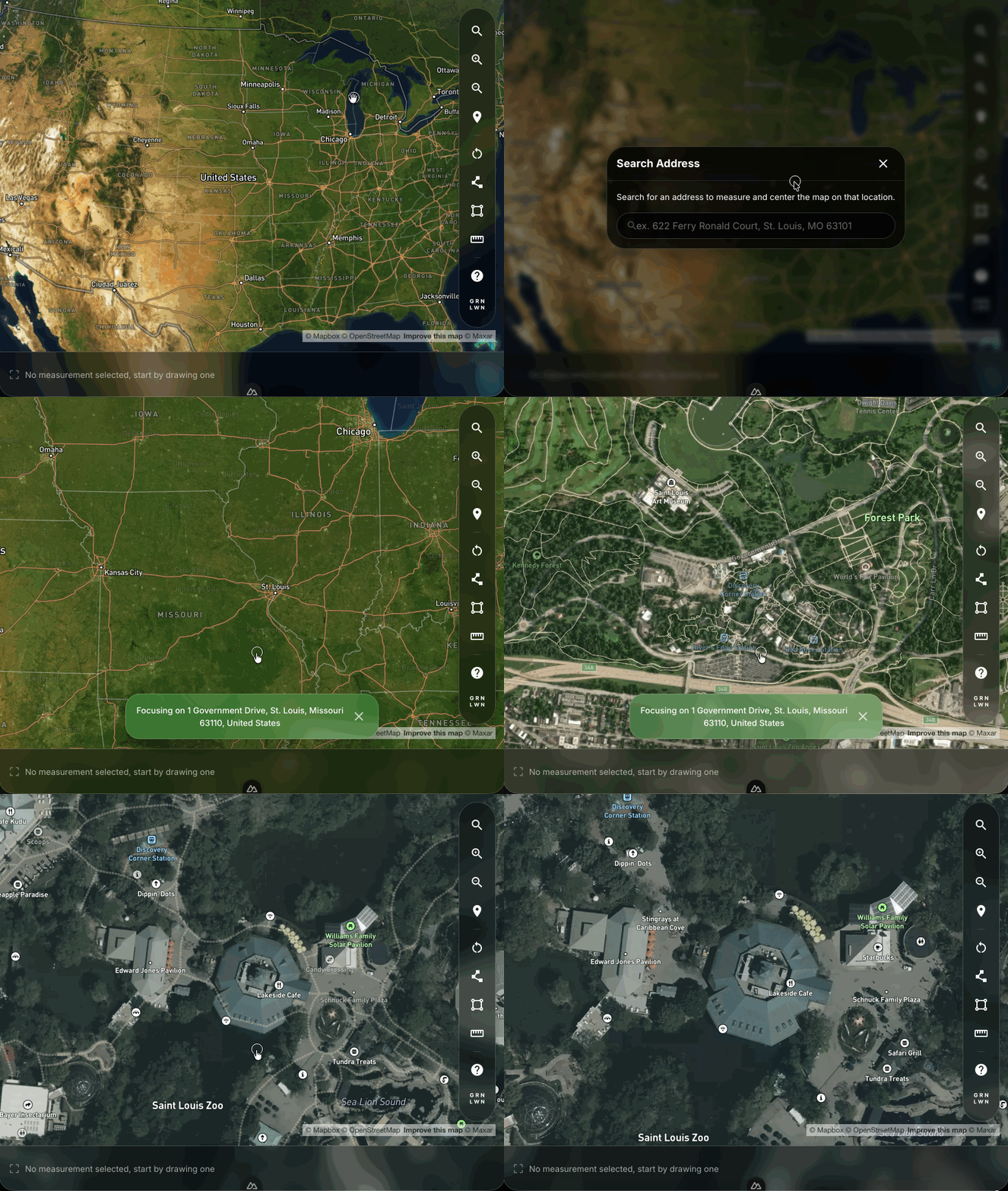
Find your property
Enter an address on the home page or tap “Use my location.” We use this only to center the map on your property.
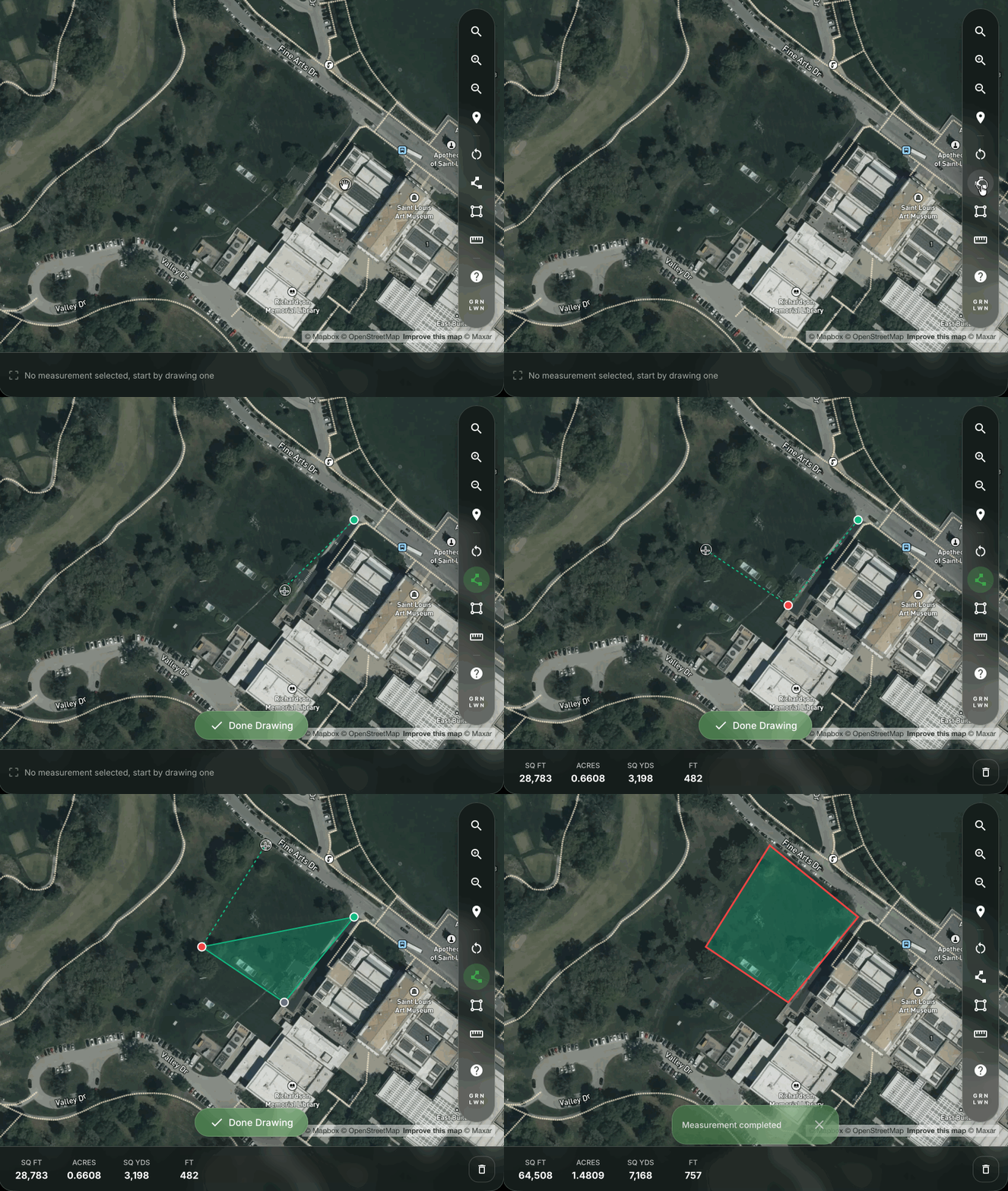
Draw polygon
Tap points on the map to create a custom shape around your lawn. You can subtract areas (e.g. house, driveway) to get net lawn area.
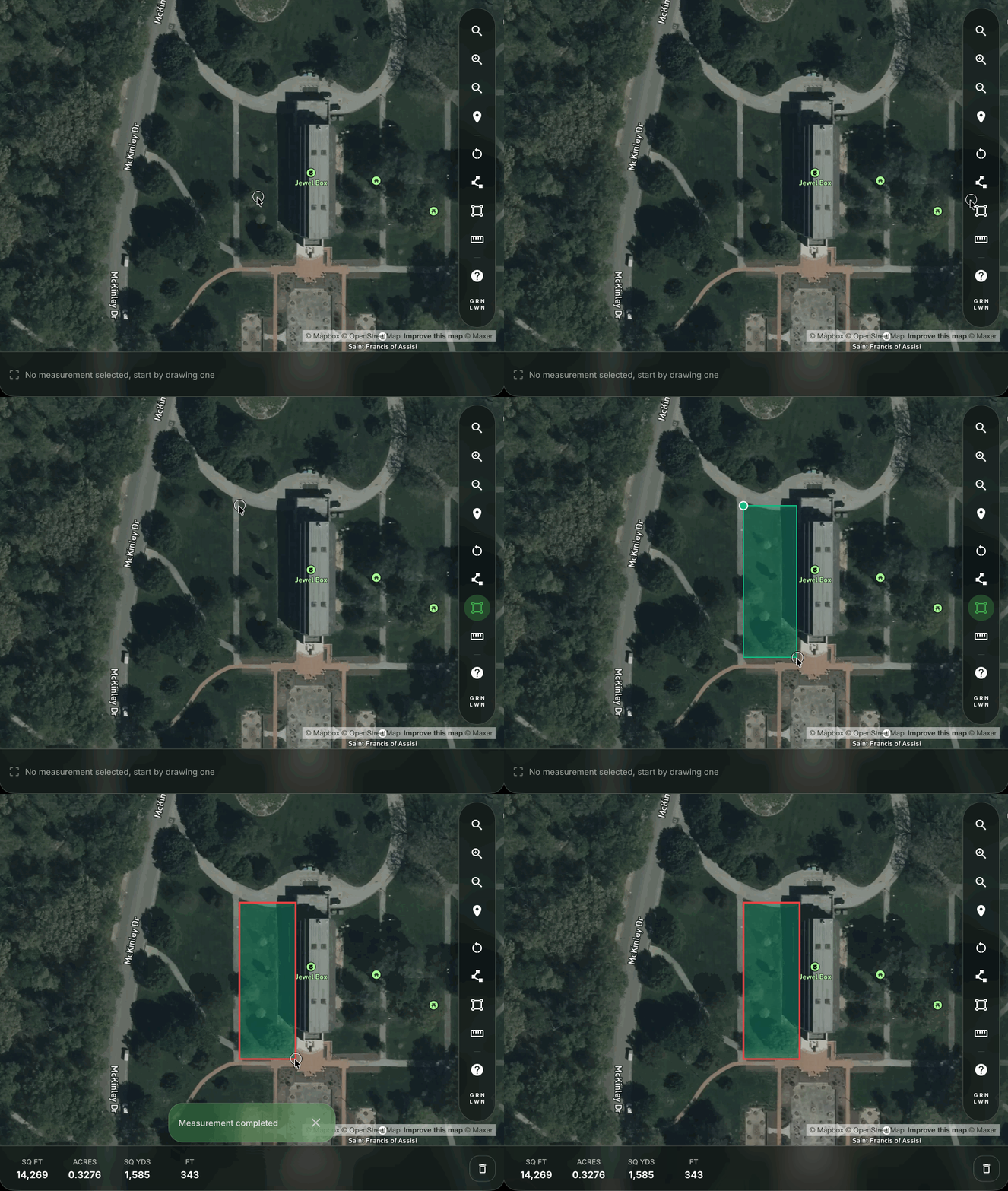
Draw rectangle
Quickly measure rectangular areas by selecting two opposite corners.
See area and perimeter
Area (square feet) and perimeter (linear feet) update as you draw. Use the numbers for planning orders and projects.
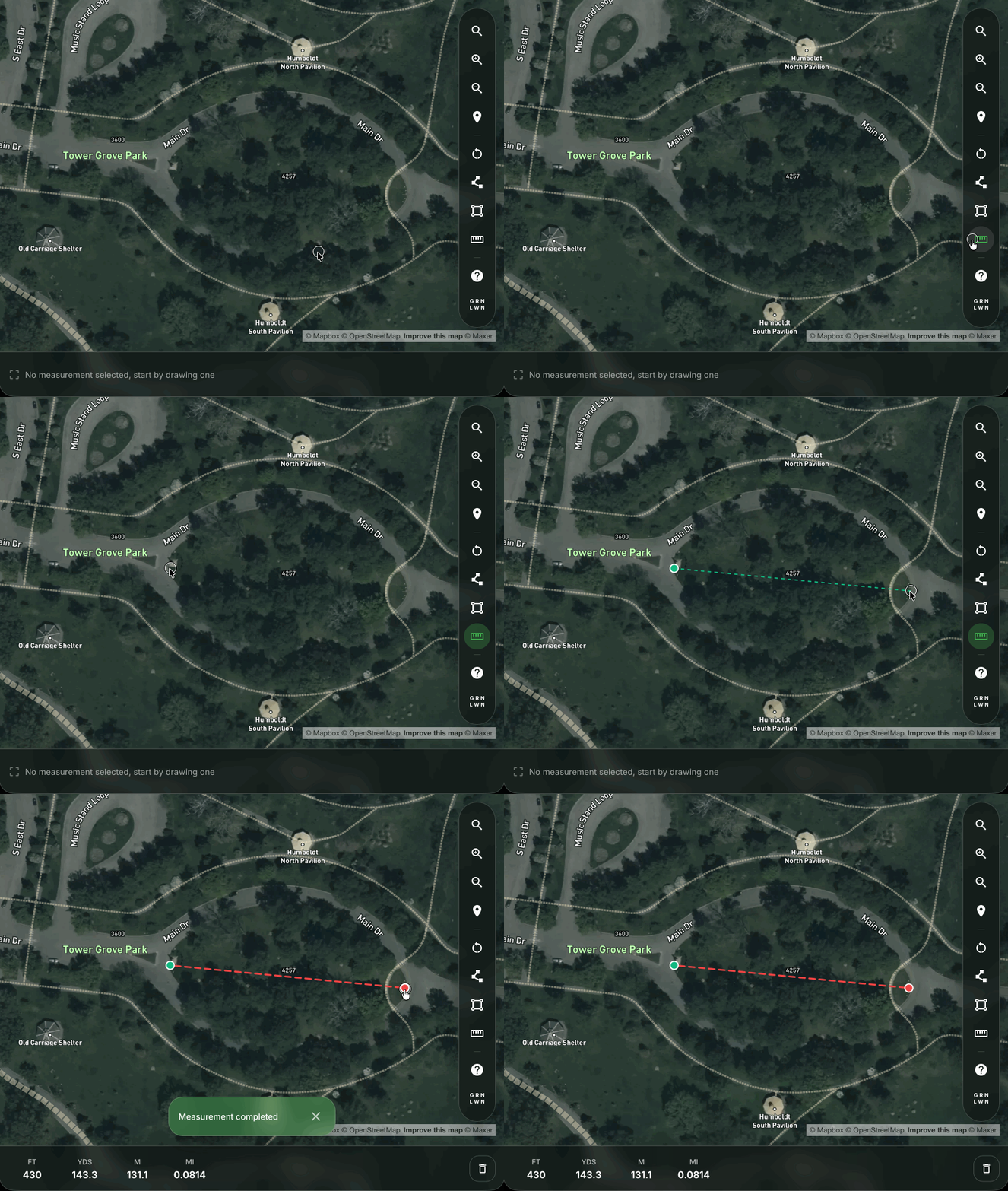
Measure distance
Click two points to measure the straight-line distance between them.
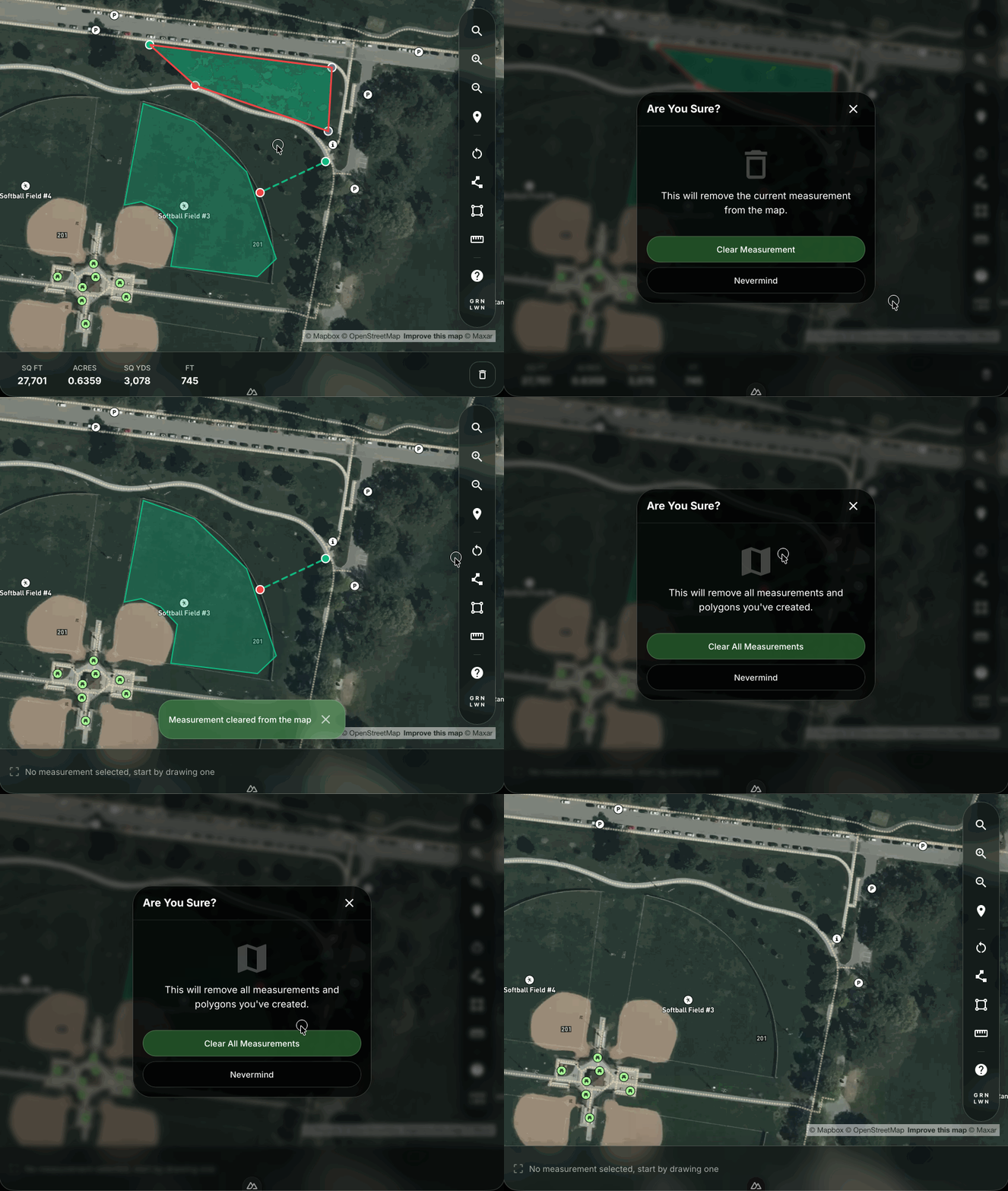
Clear measurements
Remove measurements from the map to start fresh or make corrections.
For best results, use a complete address.